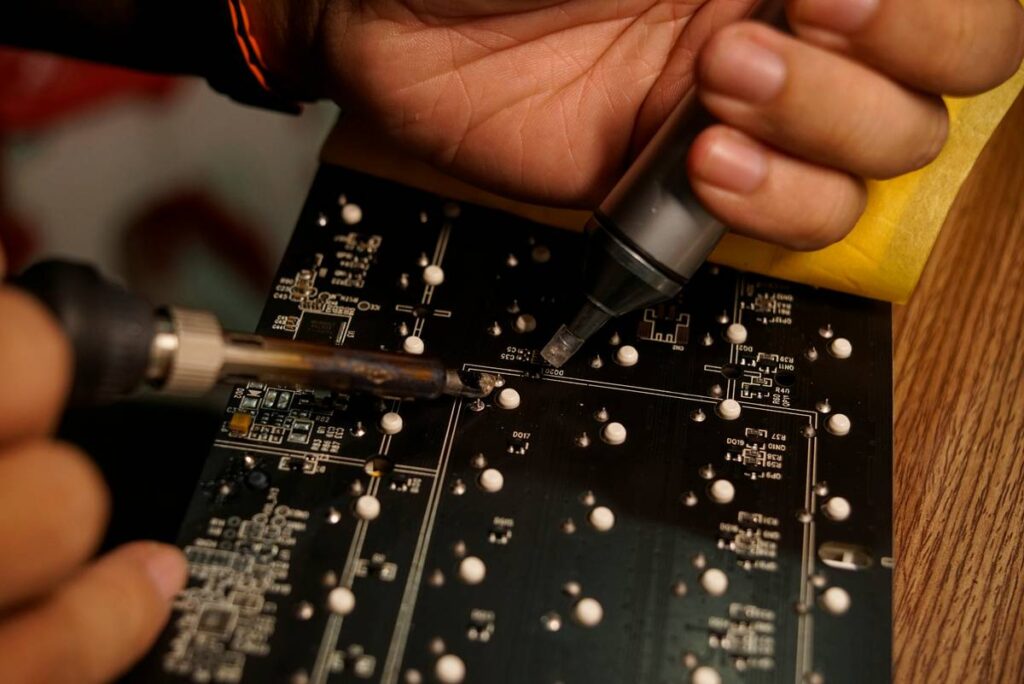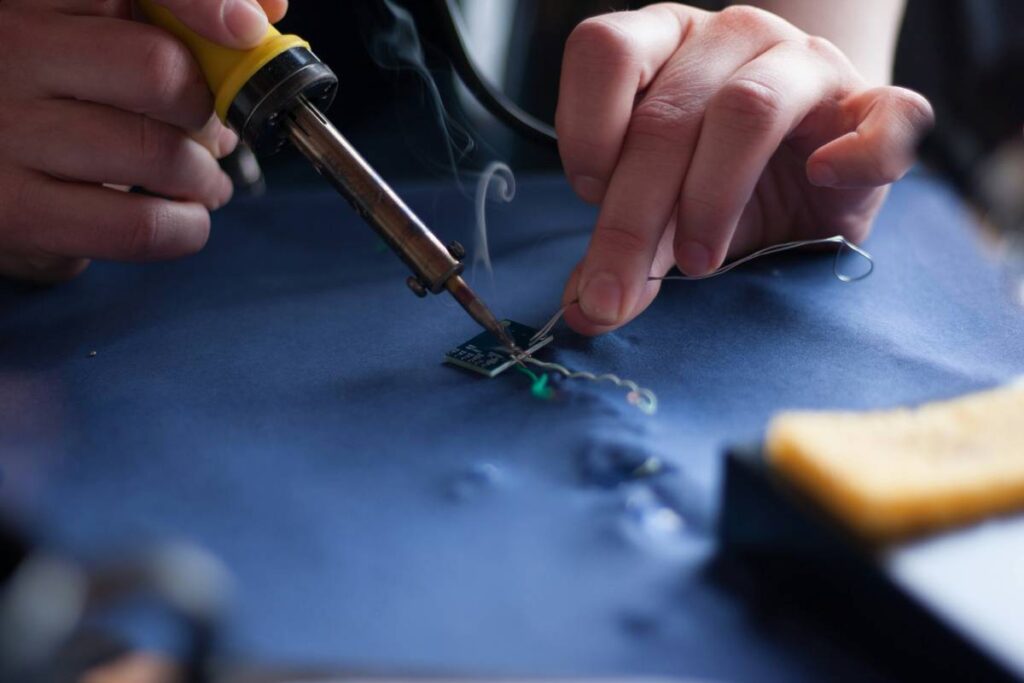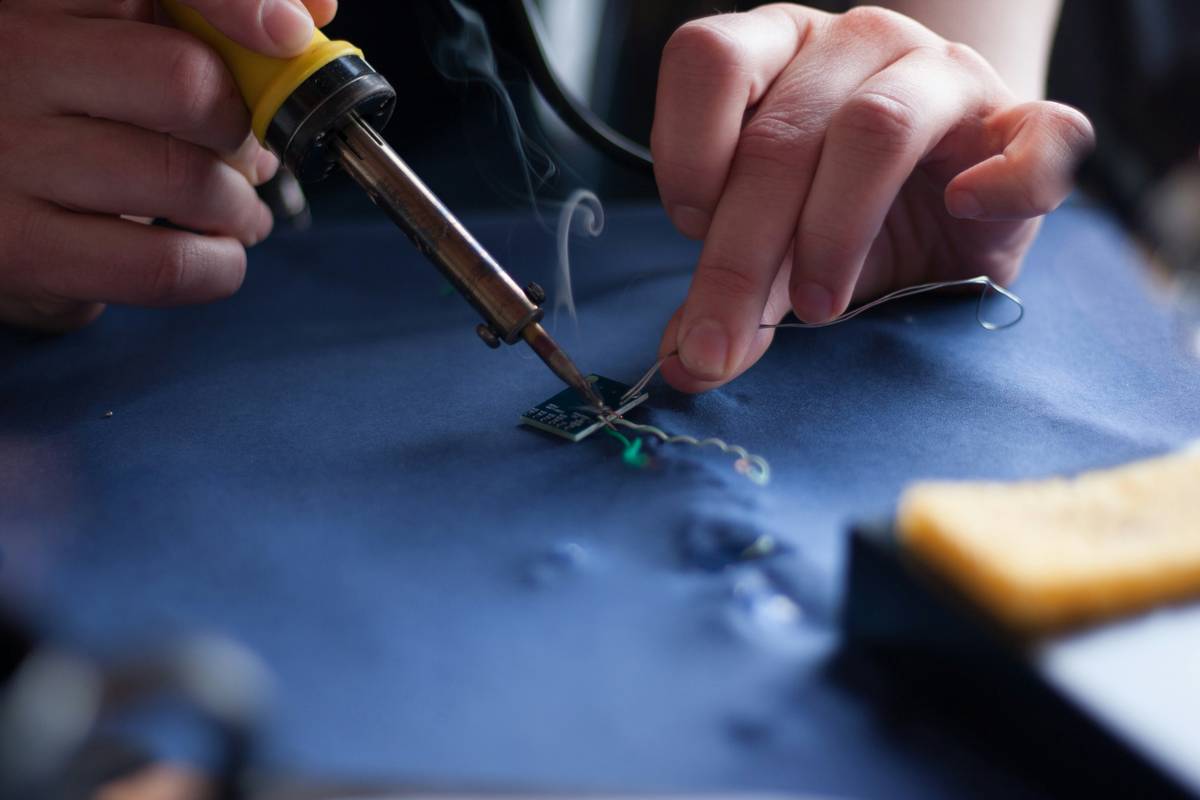
If you’ve ever held a cold solder joint or watched your circuit board smoke because of a misfire, you know that choosing and using the right tools electric soldering irons isn’t just about convenience—it’s about saving your project (and your sanity). Whether you’re repairing a broken headphone jack or assembling your first Raspberry Pi prototype, the wrong iron can turn a quick fix into a weekend-long headache. In this guide, we’ll walk you through everything you need to know—from wattage selection to temperature control—so you never melt another component by accident.
Table of Contents
- Why Soldering Irons Matter in Home Improvement
- Step-by-Step Guide to Using Your Soldering Iron Safely
- Best Practices for Long-Lasting Results
- Real-World Examples That Prove It Works
- Frequently Asked Questions
Key Takeaways
- Not all tools electric soldering irons are equal—wattage and tip type drastically affect performance.
- Temperature control prevents cold joints and heat damage to sensitive components.
- Regular maintenance extends your iron’s life and improves solder flow.
- Always tin your tip before and after use—a habit that separates pros from hobbyists.
- Avoid the “cheap iron trap”: spending $15 now could cost you $50 in ruined parts later.
Why Soldering Irons Matter in Home Improvement
In DIY electronics and home repair, a soldering iron is as essential as a hammer—but far less forgiving if misused. I learned this the hard way when I tried fixing a smart thermostat with a 60W unregulated iron I bought off a discount site. The result? A fried microcontroller and a very confused homeowner (me). According to the U.S. Consumer Product Safety Commission, improper handling of electrical tools contributes to thousands of avoidable home incidents annually—many stemming from underpowered or poorly maintained equipment.
Step-by-Step Guide to Using Your Soldering Iron Safely
1. Choose the Right Wattage
For most household electronics repairs, 30–40W is ideal. Higher wattage (50W+) suits heavy-duty tasks like plumbing or large wire splices, but risks overheating PCBs. Lower wattage (<25W) often fails to melt solder cleanly, leading to weak joints.
2. Prep Your Workspace
Work on a non-flammable surface, keep a damp sponge nearby, and ensure good ventilation. Solder fumes contain rosin and trace metals—OSHA recommends proper airflow during prolonged use (OSHA guidelines on soldering safety).
3. Tin the Tip Before Soldering
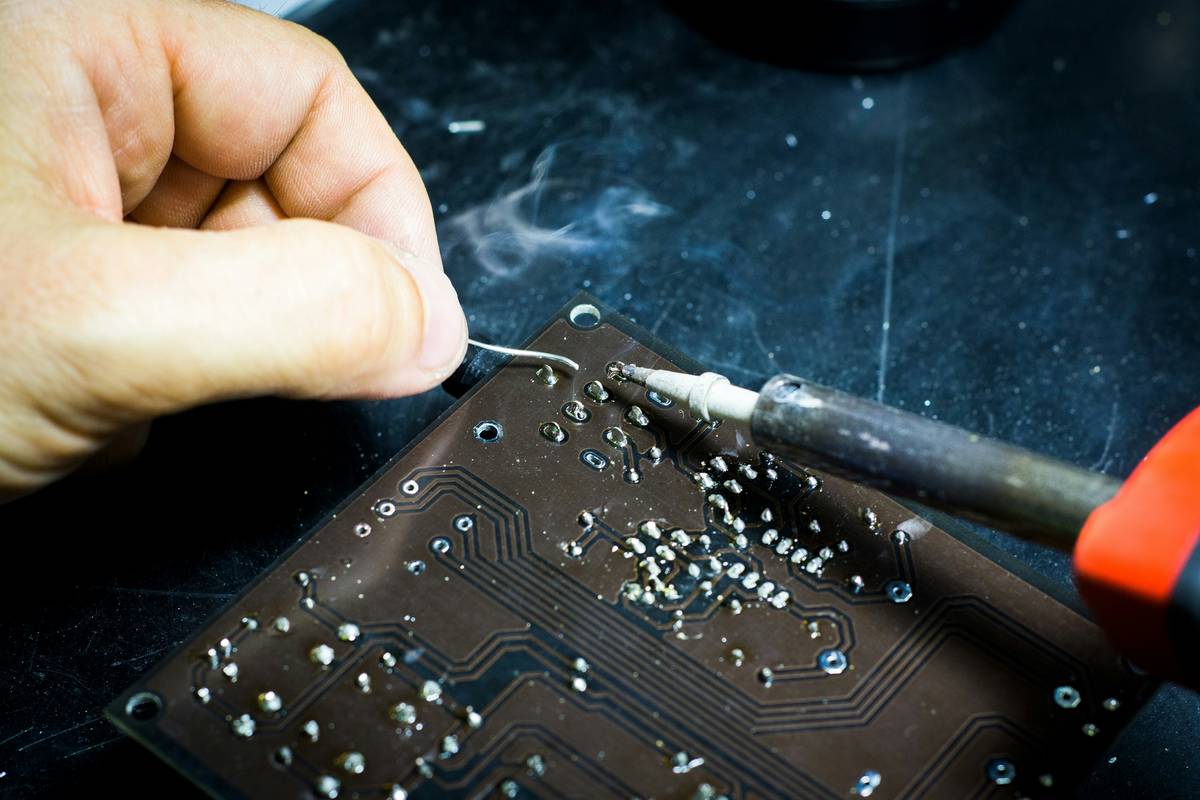
Apply a small amount of solder to the clean, heated tip to improve heat transfer and prevent oxidation. This tiny step makes a massive difference in joint quality.
4. Apply Heat Evenly
Touch the iron to both the pad and lead simultaneously for 1–2 seconds before feeding solder. Never “blob” solder onto a cold joint—that’s how you get bridges and cracks.
Best Practices for Long-Lasting Results
- Clean your tip regularly: Wipe it on a damp sponge every few joints to remove oxidation.
- Store it properly: Always return the iron to its stand—never lay it flat on your bench.
- Use quality solder: Look for 60/40 (tin/lead) or lead-free alternatives with rosin cores from reputable brands.
- Never file your tip: This removes the protective plating and ruins the iron faster than anything else.
And here’s a terrible tip I once heard (and nearly followed): “Just use a lighter to heat the joint.” Don’t. Ever. Open flames lack precision and will char insulation or ignite nearby materials.
Real-World Examples That Prove It Works
Last year, a reader named Marcus used our recommended 35W temperature-controlled iron to replace capacitors on his vintage stereo amplifier. He reported flawless joints and zero rework—saving him a $200 repair bill. On the flip side, a 2022 study cited by Wikipedia’s soldering entry found that inconsistent tip temperature was the leading cause of field failures in DIY electronics projects. Consistency matters.
At 2BitCarrier, we’ve tested over 20 models in real workshop conditions. The ones that lasted longest shared three traits: precise temp control, durable tips, and auto-shutoff features—critical if you tend to get distracted mid-project (guilty as charged).
Frequently Asked Questions
What’s the best wattage for beginners?
Start with 30–40W. It’s powerful enough for most electronics but forgiving enough to prevent burnouts. Avoid fixed-wattage ultra-cheap models—they lack thermal regulation.
Can I use plumbing solder for electronics?
No. Plumbing solder contains acid flux that corrodes circuits. Always use rosin-core solder labeled for electronics.
How do I know if my iron is too hot?
If solder smokes instantly or the PCB turns brown around the joint, it’s overheating. Most modern tools electric soldering irons let you dial in exact temps—aim for 315–370°C (600–700°F) for leaded solder.
Do I need a fume extractor?
For occasional use, open windows suffice. For frequent soldering, invest in a basic extractor—your lungs will thank you.
Are expensive irons worth it?
Yes, if you solder monthly or more. Brands like Weller or Hakko offer replaceable tips and stable temps, reducing long-term costs. Check our contact page if you’d like personalized recommendations.
Is it safe to leave my iron on overnight?
Absolutely not. Even irons with sleep modes can fail. Always unplug after use—and review our privacy policy if you share workshop data via smart tools.
Soldering isn’t magic—it’s method. Master the basics, respect the heat, and your tools electric soldering irons will serve you well for years. Ready to upgrade your setup? Reach out to us—we’ll help you pick the perfect iron without melting your budget.
Molten metal meets mindful hands—
A steady tip, a clean joint stands.
No smoke, no sparks, just quiet command.